
Your website might look fine to you. The colors work. The logo is there. It loads… eventually. But looking fine and actually converting visitors into customers are two completely different things.
Most growing businesses don’t realize their website is costing them customers until someone finally asks the question: “Why aren’t we getting leads from our site?”
The answer is usually hiding in plain sight. Here are seven signs your website is actively driving potential customers to your competitors—and what to do about each one. If you want the full diagnostic, our complete guide to building a website that drives leads covers the strategic framework behind everything below.
1. Your Website Takes More Than 3 Seconds to Load
This one is measurable and unforgiving. Research from Google consistently shows that more than half of mobile visitors leave a site that takes longer than three seconds to load. Every additional second of load time increases the probability of a bounce.
The math is brutal: if your site gets 1,000 visitors a month and loads in 5 seconds instead of 2, you’re likely losing 200–300 of those visitors before they see a single word of your content.
What to check
- Run your site through Google PageSpeed Insights. Look at your mobile score specifically.
- Check your Largest Contentful Paint (LCP) time. Google considers anything over 2.5 seconds slow according to their Core Web Vitals standards.
- Look for oversized images, uncompressed files, and too many plugins or scripts.
What to do
If your LCP is above 3 seconds, this should be your first fix. Compress images, enable caching, and audit your plugins. If you’re on WordPress, our website refresh and performance tune-up service handles exactly this kind of cleanup without rebuilding your entire site.
2. Your Homepage Doesn’t Tell Visitors What You Do in 5 Seconds
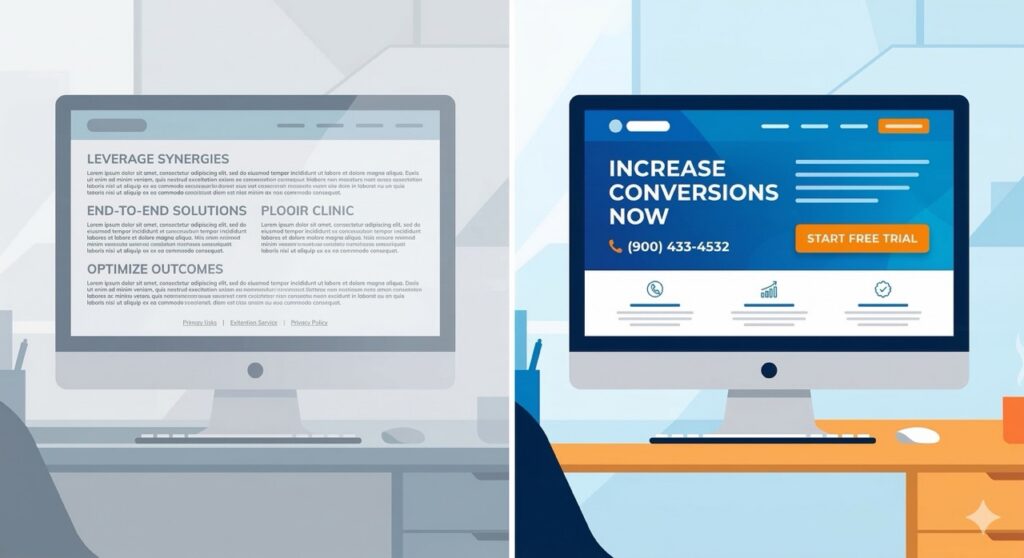
A visitor lands on your homepage. They glance at the screen. Within seconds, they’re making a decision: stay or leave. If your homepage leads with a vague tagline like “Innovative Solutions for a Better Tomorrow,” you’ve already lost them.
This isn’t about being clever. It’s about being clear. Nielsen Norman Group research on user behavior confirms that visitors form an opinion about your site within seconds. The best-performing homepages answer three questions immediately: What do you do? Who do you do it for? What should I do next?
What to check
- Ask someone who’s never seen your site to look at your homepage for 5 seconds, then close it. Ask them what your company does. If they can’t tell you, your messaging is costing you customers.
What to do
Rewrite your hero section. Lead with the outcome your customers get, not the process you use. Replace “We provide comprehensive marketing solutions” with something like “We help growing businesses get more leads from their website.” Specific beats clever every time.
3. You Have No Clear Call to Action on Any Page
Every page on your website should answer one question for the visitor: “What do I do next?” If the answer isn’t obvious, most visitors will do the easiest thing available—leave.
This is especially common on service pages and blog posts. The content might be solid, but if there’s no clear next step, the visitor reads, nods, and disappears.
What to check
- Visit each page of your site and ask: is there a single, clear action I want the visitor to take?
- Check if your CTAs match the visitor’s likely intent. A first-time blog reader doesn’t want to “Schedule a Demo.” They might download a checklist.
- Count how many competing CTAs are on your homepage. More than two is usually too many.
What to do
Map each page to a single primary CTA. Blog posts should offer a relevant next step (a guide, a checklist, or a free audit). Service pages should drive toward a consultation or booking. Make the CTA visually obvious—don’t make people hunt for it.
4. Your Site Isn’t Mobile-Friendly (or Barely Is)
More than 60% of web traffic comes from mobile devices, according to Statcounter’s global data. If your site is technically responsive but practically unusable on a phone—tiny text, buttons too close together, horizontal scrolling—you’re losing the majority of your visitors.
Google uses mobile-first indexing, which means the mobile version of your site is what determines your search rankings. A desktop-only design doesn’t just frustrate visitors; it tanks your SEO.
What to check
- Pull up your site on your phone right now. Try to complete your most important conversion action (fill out a form, click to call, book an appointment). How hard was it?
- Check Google Search Console for mobile usability issues under the Experience section.
What to do
If your site was built more than 3–4 years ago and wasn’t designed mobile-first, it likely needs a rebuild or significant refresh. A responsive template isn’t enough—the user experience on mobile needs to be intentionally designed, not an afterthought.
5. Your Contact Form Is the Only Way to Reach You
Contact forms are fine as one option. But when they’re the only option, you’re creating unnecessary friction. Many visitors—especially on mobile—want to call, text, or book an appointment directly.
This is particularly costly for service businesses. A homeowner looking for a contractor, a business owner looking for a marketing partner, or a patient looking for a doctor wants to act now, not fill out a form and hope someone responds in 48 hours.
What to check
- Is your phone number clickable on mobile?
- Do you offer online booking or appointment scheduling?
- When someone submits your contact form, how long does it take to respond? If it’s more than a few hours, you’re losing leads to faster competitors.
What to do
Add multiple contact methods: click-to-call, online booking, and chat or text options if feasible. HubSpot’s research on lead response time found that businesses responding within 5 minutes are 100x more likely to connect with a lead than those responding after 30 minutes. If you’re a service business and you miss calls while you’re working, set up an automated text-back system so the lead doesn’t go cold before you can respond.
6. Your Site Has No Fresh Content
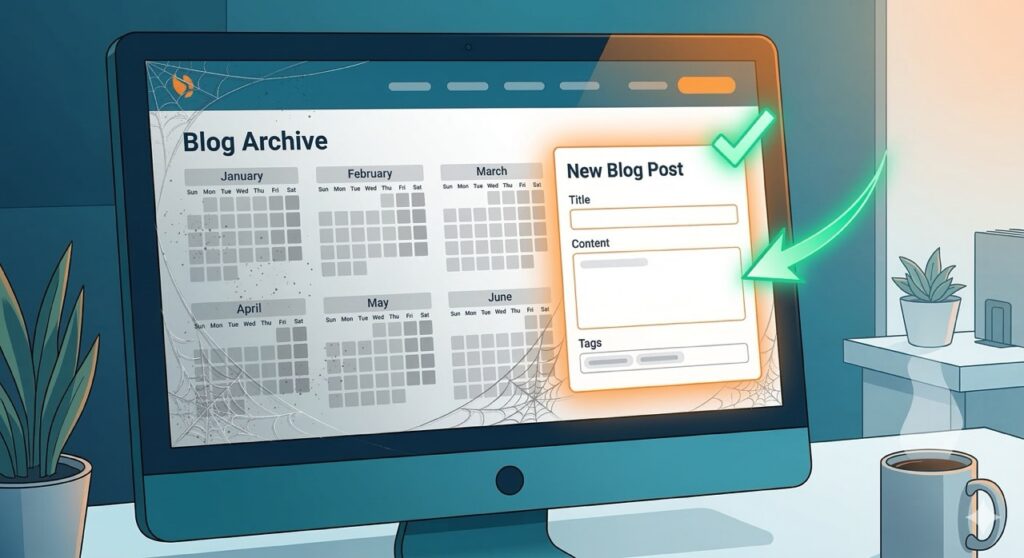
When was your last blog post or content update? If the answer is “I’m not sure” or “more than six months ago,” your website is sending a signal to both Google and your visitors: this business might not be active.
Google rewards websites that demonstrate ongoing expertise and activity. Their E-E-A-T guidelines (Experience, Expertise, Authoritativeness, Trust) increasingly favor content that shows real-world experience and regular updates. Visitors use freshness as a trust signal too. A blog with the most recent post dated 2023 makes people wonder if you’re still in business.
What to check
- When was the last piece of content published on your site?
- Do your service pages reflect your current offerings and pricing?
- Are there any references to years, events, or promotions that are clearly outdated?
What to do
Establish a consistent publishing rhythm. Even one quality post per month is better than nothing. The content should target specific questions your customers actually ask and be built around keywords that drive relevant traffic. This is the core of what a content marketing strategy does for growing businesses.
7. You Can’t Tell What’s Working (Because Nothing Is Tracked)
If you don’t have Google Analytics or a similar tool installed and configured, you’re flying blind. You don’t know how many people visit your site, where they come from, what pages they look at, or where they drop off.
Without data, every marketing decision is a guess. You can’t fix what you can’t measure, and you can’t justify investment in something that has no visible return.
What to check
- Is Google Analytics 4 installed and receiving data?
- Do you have conversion tracking set up for form submissions, calls, and bookings?
- Can you answer the question: “How many leads did our website generate last month?”
What to do
At minimum, install GA4 and set up basic conversion tracking. Google’s setup guide for GA4 walks through the process. Ideally, connect your analytics to a dashboard that shows traffic, leads, and conversions in one view. Our Growth Hub includes analytics and reporting built in, so you can see exactly what’s working without jumping between five different tools.
How Many of These Apply to Your Website?
If you recognized your site in two or three of these signs, you’re not alone. Most growing businesses have a website that was good enough when it launched but hasn’t kept pace with how people actually find and evaluate businesses today.
The good news: you don’t have to fix everything at once. Start with the items that have the most direct impact on lead generation—typically speed, mobile experience, and clear CTAs. Those three changes alone can meaningfully increase conversions without a full redesign.
If you want a structured way to audit your site against these issues and more, get a free Website Audit—it’s the same framework our team uses when evaluating client websites. We get back to you in about 24-48 hours with a full report and will show you exactly where to focus first.
Need it done for you? MassMonopoly’s on-demand marketing subscription gives you a full team—web, SEO, content, design—for a flat monthly rate, with no contracts. See how it works.