Short answer: for most contractors, the Google Business Profile is the listing that brings in calls. To get the most from it, set it up correctly, pick the most specific primary category, list every service and the towns you really serve, add real job photos every week, run a review system that asks every customer, and make sure your website backs up what the profile says. Then track the calls and requests it produces, so you know whether it’s working.
When a homeowner searches “roofer near me” or “electrician in Worcester”, Google usually shows a map with three businesses before any regular results. That’s the Map Pack. Those three listings get a large share of the calls for local service searches, and they come straight from Google Business Profiles. This guide covers how Google picks those three businesses and the steps contractors can take to show up more often.
How Google decides who shows up in the Map Pack
Google says local results are based mainly on three things (Google’s explanation):
- Relevance: how well your profile matches the search. If someone searches “kitchen remodeler” and your profile only says “general contractor”, you’re at a disadvantage.
- Distance: how far you are from the searcher, or from the location in the search. You can’t move your shop, which is why the other two factors matter so much.
- Prominence: how well-known and trusted the business looks online. Reviews, ratings, links, articles and your website all feed into it.
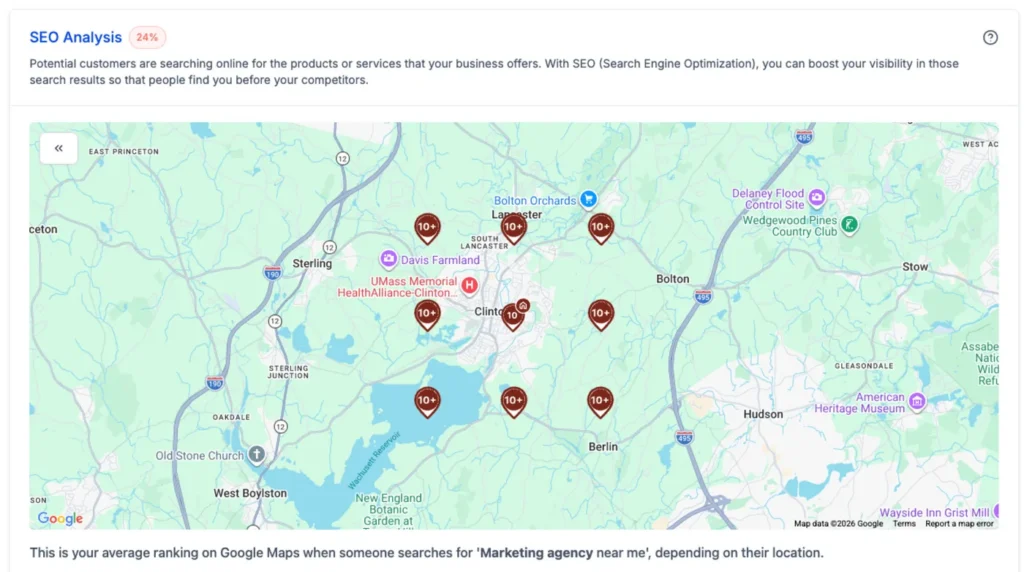
Results also change with where the searcher is standing. You might be first for people near your shop and fifth across town. That’s normal. The goal is to be strong enough on relevance and prominence to show up across as much of your service area as possible.
Step 1: Set up and verify the profile correctly
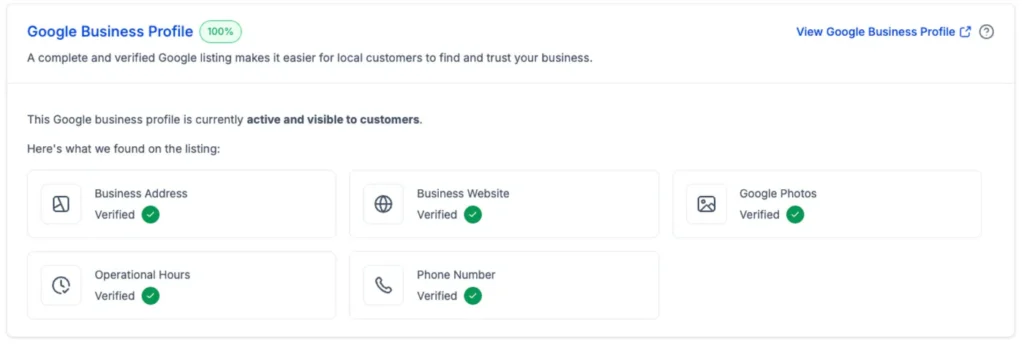
- One profile per real location. Duplicate or extra listings split your reviews and can get profiles suspended.
- Use your real business name. Google’s guidelines don’t allow adding keywords or towns to the name, such as “Smith Roofing – Best Roofer Worcester”. It can work briefly, then cost you the listing.
- Service-area businesses hide the address. If customers don’t come to your location, list your service area and keep the street address private. PO boxes and virtual offices aren’t allowed (Google’s guidelines).
- Keep hours and phone current. Wrong hours lead to missed calls and bad reviews.
Step 2: Choose the right categories
Your primary category is the most important field in the profile. Make it the most specific one that describes your main work: “Roofing contractor” rather than “Contractor”, “Painter” rather than “Home improvement”. Then add secondary categories for the other work you do. Look at the businesses already in the Map Pack for your main searches to see which categories they use.
Step 3: List every service and the towns you actually serve
The Services section is easy to skip and worth filling in. List each specific service, such as roof replacement, roof repair, gutter installation or skylights, with a short description. Add the towns and areas you really work in. Listing places you never go to doesn’t help and can confuse customers.
Step 4: Write a description that sounds like you
Say what you do, where you do it and what makes you different, in plain language. Mention the types of projects, how long you’ve been in business, licenses or certifications, and any specialty. Skip lines like “we pride ourselves on quality and customer service”. Every competitor says it, and buyers stop reading.
Step 5: Add real job photos every week
Photos help customers choose you, and active profiles tend to perform better than neglected ones. Use real photos of your work, crew and trucks, not stock images. Make it a habit: a before photo and an after photo of every finished job, uploaded the same week. A few months of that builds a gallery no competitor can copy.
Step 6: Run a review system, not the occasional request
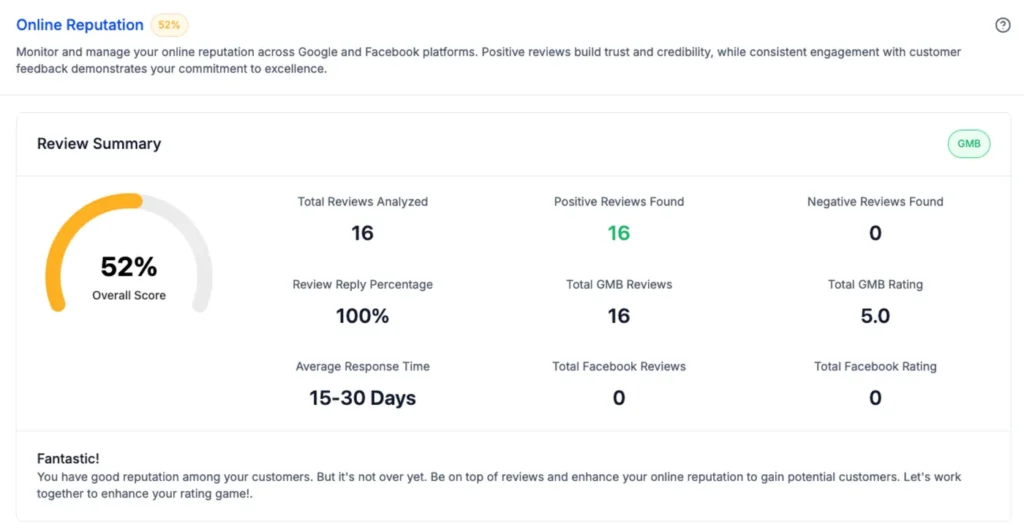
Reviews are the part of prominence you can influence most directly. Quantity, rating and recency all matter, and so do your replies. What works:
- Ask every customer, by text, within a day of finishing the job, with a direct link to your review page.
- Automate the request so it goes out whether or not someone remembers.
- Reply to every review. Thank people for specific work, and answer complaints calmly with an offer to make it right.
- Don’t buy reviews, offer rewards for them, or only ask the customers you expect to be happy. Google’s policies prohibit all three.
For scripts and timing, see our guide on how to get more contractor reviews.
Step 7: Post updates and keep the profile active
Google Business Profile lets you publish short updates. Use them for finished projects, seasonal reminders (“book your exterior painting before the spring rush”), new services and offers. A post every week or two keeps the profile current and gives searchers a reason to call you rather than the listing next to yours.
Step 8: Make your website back up the profile
Your profile links to your website, and Google uses the site to understand what you do and where. A strong profile with a weak website leaves rankings and calls on the table.
- A page for each main service. Roof replacement and roof repair deserve their own pages, not one line on a services list.
- Real pages for the towns you serve. Write about the work you do there and the projects you’ve completed, not copies with the town name swapped. Our guide to service page clusters explains how to structure them.
- The same name, phone and service area on every page, usually in the header or footer.
- Fast and easy on a phone. Most local searches happen on mobile. A slow site loses the visitor before they call.
If the site gets visits but few calls, read why contractor websites lose good leads.
Step 9: Keep your listings consistent everywhere
Your business name, address and phone number appear on directories such as Yelp, Facebook, the BBB, Angi and your trade associations. Keep them exactly the same everywhere. “Smith Roofing LLC” on Google, “Smith Roofing” on Yelp and “Smith Roofing Co.” on Angi make it harder for Google to connect the listings. Pick one version and fix the rest.
Step 10: Track what the profile brings in
The Performance section in your profile shows calls, website clicks, direction requests and messages. Add a tracking tag to the website link so your analytics can separate visits from the profile. Then compare those numbers with booked jobs, not just leads. Our contractor marketing scorecard covers the five numbers worth watching.
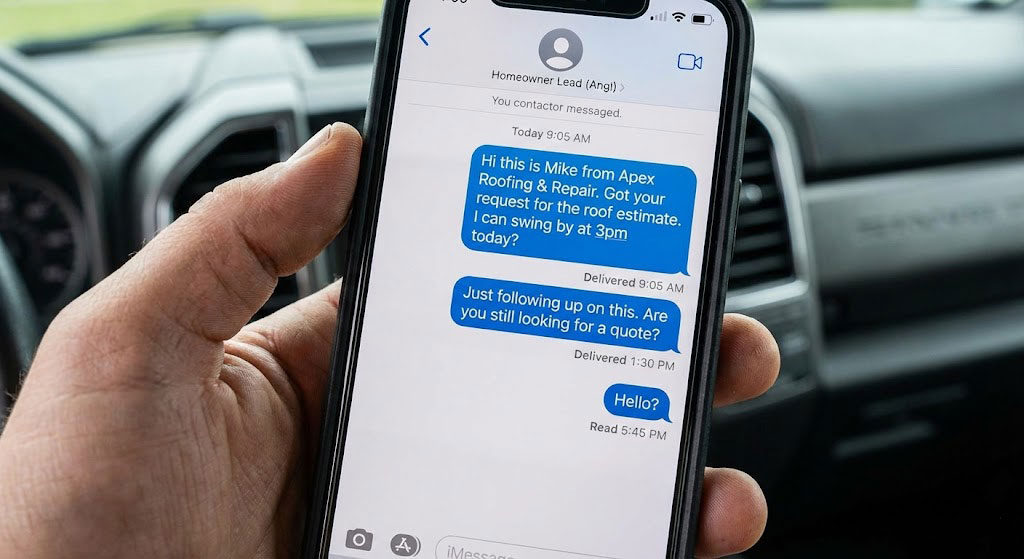
And answer the phone. A profile that drives calls to a voicemail nobody returns is wasted. A missed-call text back catches the calls you can’t pick up on a job site.
Mistakes that hurt rankings or get profiles suspended
- Keywords or towns added to the business name
- A virtual office, PO box or someone else’s address
- Duplicate listings for the same business
- Fake, purchased or rewarded reviews
- Changing the name, category or address repeatedly
- Leaving the profile untouched for months
A 30-day plan to get your profile in shape
- Week 1: fix the basics. Name, categories, services, service areas, hours, description and at least 20 real photos.
- Week 2: set up automatic review requests and reply to every review you haven’t answered.
- Week 3: check your top ten directory listings and correct any mismatched names, addresses or phone numbers.
- Week 4: review your website. Do your main services have their own pages? Does it load fast on a phone? Is your phone number easy to tap?
- Every week after that: photos from finished jobs, one profile update, review replies, and a quick look at calls and requests.
Google Business Profile vs. paid leads
A strong profile brings calls you don’t pay for one by one. That’s why we encourage contractors to build it before spending more on shared lead platforms. If you’re weighing those platforms, read our breakdown of Angi vs. HomeAdvisor costs.
For contractors
Want to know how your profile stacks up? Get a free Contractor Blueprint. We review your Google Business Profile, reviews, website and follow-up, then show you what to fix first. It’s part of our contractor marketing work.